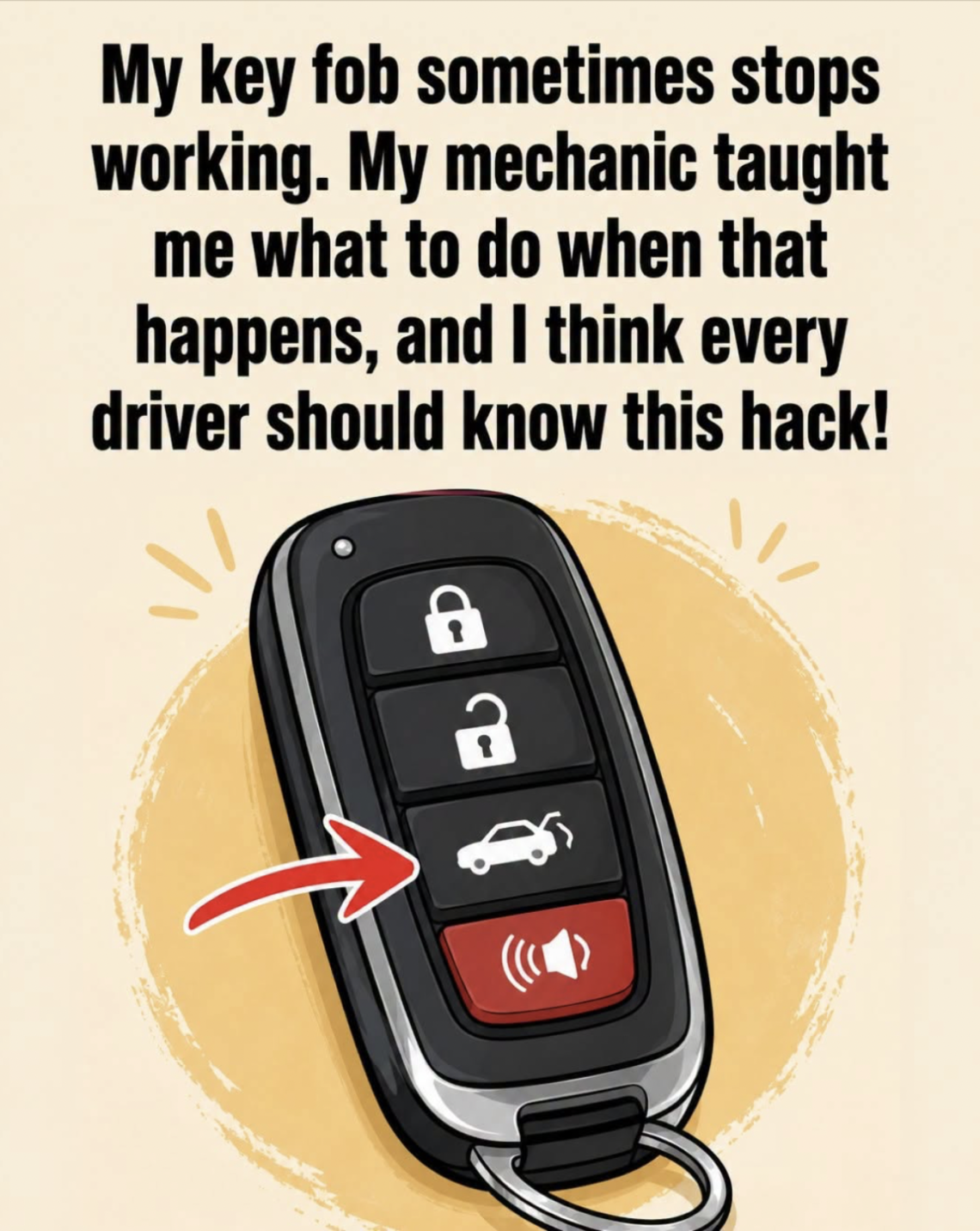
There are few things more frustrating than walking toward your car, pressing the button on your key fob, and getting absolutely no response.
You press the lock button.
Nothing happens.
You press it again.
Still nothing.
You try the unlock button.
Nothing.
For a moment, it can feel as though your entire day has suddenly become more complicated.
But before you assume that your key fob is broken and rush to a dealership for an expensive replacement, there are several simple things you can check first.
A key fob that stops working does not necessarily mean the entire key has failed. Sometimes the problem is something as simple as a weak battery, a dirty contact, an accidental button press, radio interference, or a synchronization issue.
The important thing is to work through the possibilities one by one.
First: Don’t Panic If the Buttons Stop Working
Modern key fobs are surprisingly sophisticated little devices.
Inside the small plastic housing you may find:
- a battery
- electronic circuitry
- buttons
- contacts
- an antenna
- sometimes an immobilizer transponder
- sometimes a small emergency mechanical key
The fob communicates wirelessly with the vehicle.
When you press a button, the electronics transmit a coded signal.
The vehicle receives that signal and, if it recognizes it, performs the requested function.
Because there are several components involved, a failure in one area doesn’t necessarily mean the entire system has failed.
Hack #1: Replace the Key Fob Battery
This is the first thing to investigate.
A weak battery is one of the most common reasons a key fob becomes unreliable.
The symptoms can be gradual.
At first, the fob works only when you’re very close to the vehicle.
Then you have to press the button several times.
Eventually, it stops responding altogether.
If your key fob previously worked from a considerable distance but has gradually lost range, the battery is a particularly strong suspect.
Why Does a Weak Battery Cause Problems?
The key fob needs electrical energy to transmit its signal.
As the battery becomes weaker, the transmitter may not operate as effectively.
The vehicle may still receive the signal when you’re standing very close to it, but not from across a parking lot.
Eventually, the battery may become too weak for reliable operation.
This is why reduced range can be an early warning sign.
How to Replace the Battery
Many key fobs have a small seam around the plastic housing.
There may also be a tiny slot designed to help open the case.
Depending on the model, you may be able to use:
- a small flat screwdriver
- a plastic pry tool
- the emergency key itself
Open the case carefully.
Inside, you’ll usually find a small coin-shaped battery.
Common battery types include various CR-series batteries, but do not assume which one you need.
Check the marking on the existing battery or consult the vehicle’s owner’s manual.
Pay Attention to Battery Orientation
This is an easy mistake to make.
When you remove the old battery, notice which side is facing upward.
The replacement battery must be installed in the correct orientation.
Look for markings such as:
+
and
−
Installing the battery incorrectly may prevent the fob from working.
Don’t Force the Key Fob Open
Different manufacturers use different designs.
Some cases snap together.
Others use screws.
Some have hidden clips.
If the housing doesn’t open easily, don’t force it aggressively.
Breaking the plastic clips can turn a simple battery replacement into a much more expensive repair.
Hack #2: Clean the Battery Contacts
Sometimes the battery itself is not the problem.
The contacts inside the fob may be dirty, oxidized or slightly bent.
The battery needs a reliable electrical connection with the circuit board.
If the contacts are dirty, the fob may behave as though the battery is dead.
If you’re comfortable opening the fob, inspect the battery compartment.
Look for:
- dirt
- corrosion
- discoloration
- loose contacts
- signs of moisture
If the contacts are visibly dirty, they may need careful cleaning.
Hack #3: Check Whether the Battery Is Sitting Correctly
A battery can sometimes move slightly inside the housing.
If the contact isn’t pressing against it properly, the key fob may work intermittently.
You may notice that it works one moment and stops the next.
Don’t bend delicate contacts aggressively.
If the battery doesn’t fit securely, the correct solution may be replacing the damaged holder or having the fob inspected.
Hack #4: Try the Spare Key Fob
If you have a second key fob, test it.
This is one of the easiest diagnostic methods.
If the spare works perfectly while the main fob doesn’t, the problem is probably with the first fob.
If both fobs suddenly stop working at the same time, the problem may be somewhere else.
For example:
- vehicle battery
- central locking system
- receiver
- electrical problem
- radio interference
This simple comparison can tell you a lot.
Hack #5: Check Your Car’s Battery
Sometimes the key fob is perfectly healthy.
The vehicle itself may be the problem.
If the car’s 12-volt battery is weak or completely discharged, various electronic systems may stop responding.
You may also notice:
- dim interior lights
- slow cranking
- weak headlights
- strange warning lights
- no response from the central locking
- electrical systems behaving unusually
If the car has no electrical power, the key fob may appear to be the problem even though it isn’t.
Hack #6: Try the Physical Key
Many modern key fobs contain a hidden mechanical key.
It may slide out or be released by pressing a small latch.
This key can often be used to unlock the driver’s door manually.
The exact design depends on the vehicle.
If the electronic remote isn’t working, don’t forget that the mechanical key may still allow you to enter the vehicle.
Why Manufacturers Include a Mechanical Key
Wireless electronics can fail.
The fob battery can die.
The vehicle battery can discharge.
Radio interference can occur.
Because of these possibilities, manufacturers often include a backup mechanical key.
It is worth knowing where yours is before you actually need it.
Hack #7: Know Where the Emergency Keyhole Is
Some cars hide the physical keyhole beneath a small plastic cover on the door handle.
At first glance, it may look as though the car has no traditional keyhole at all.
Look closely around the driver’s door handle.
If there’s a removable cover, the emergency keyhole may be hidden underneath.
Your owner’s manual will usually explain the procedure.
Hack #8: Try Starting the Car Even If the Fob Isn’t Unlocking It
This is especially useful with push-button-start vehicles.
In many modern cars, the fob can still be detected even when its battery is weak.
Manufacturers often provide a specific backup method for starting the vehicle.
Depending on the model, this might involve holding the key fob directly against a designated area or placing it in a specific compartment.
The exact procedure varies considerably.
Therefore, check your owner’s manual rather than guessing.
A Weak Fob Battery Doesn’t Always Mean You Can’t Start the Car
This surprises many drivers.
The remote locking function and the immobilizer/start authorization system may use different systems or backup methods.
A key fob can therefore have a dead battery while the vehicle still recognizes the key under the manufacturer’s emergency procedure.
Again, the precise method depends on the vehicle.
Hack #9: Move Away From Sources of Radio Interference
Sometimes the key fob works perfectly but fails in a particular location.
You might park in one area and discover that the remote works normally.
Then you park somewhere else and suddenly it doesn’t.
This can happen because radio-frequency interference can affect wireless systems.
Potential sources can include:
- certain electronic equipment
- security systems
- other radio transmitters
- heavily congested wireless environments
If your key fob works normally elsewhere, interference may be worth considering.
Try Standing Close to the Vehicle
If the fob doesn’t work from a distance, walk closer to the vehicle and try again.
If it suddenly works when you’re standing right next to the door, the battery may be getting weak.
A healthy fob normally has useful operating range, although the actual range varies significantly by vehicle and environment.
Hack #10: Try a Different Position
Your body can affect radio signals.
Sometimes simply changing your position relative to the vehicle can make a difference.
Try holding the key fob away from other electronics and press the button again.
This isn’t a permanent solution, but it can help determine whether the issue is related to signal strength or interference.
Hack #11: Check for Physical Damage
Think about what happened to the key fob recently.
Was it dropped?
Did someone sit on it?
Did it fall onto a hard floor?
Did it get wet?
Was it left in a hot car?
Physical damage can cause internal problems that aren’t immediately visible.
A cracked housing, loose button or damaged circuit board can prevent the fob from transmitting correctly.
Water Damage Is Especially Important
Key fobs vary greatly in their resistance to water.
Some modern fobs have better protection than older designs.
But water exposure can still cause problems.
If the fob has been dropped into:
- a sink
- a puddle
- a swimming pool
- wet grass
- a washing machine
it may require inspection.
Don’t assume that drying the outside is enough.
Moisture can remain inside the housing.
What If You Accidentally Washed the Key Fob?
If a key fob has gone through a washing machine, don’t repeatedly press the buttons to see whether it works.
If possible, remove the battery safely and have the fob inspected or dried appropriately.
Avoid using excessive heat, such as a very hot hair dryer, because heat can damage plastic and electronic components.
Hack #12: Check the Buttons
A button can become worn after years of use.
You may press it and feel that it no longer has the same click as before.
Sometimes the rubber membrane becomes damaged.
Other times, the internal switch becomes worn.
If one button works while another doesn’t, a worn or damaged button becomes more likely.
If Only One Button Doesn’t Work
Imagine:
Lock works.
Unlock works.
Trunk release doesn’t.
That strongly suggests the fob itself is still communicating with the vehicle.
The problem may be limited to the particular button or function.
This is very different from a fob that has completely stopped transmitting.
If None of the Buttons Work
If no button produces any response, start with the simplest possibilities:
- Battery
- Battery installation
- Physical damage
- Electrical contacts
- Synchronization
- Vehicle-side problem
- Fob electronics
Don’t immediately assume the most expensive possibility.
Hack #13: Check Whether the Vehicle Responds at All
When pressing the button, pay attention to what happens.
Does the car’s hazard light flash?
Does the horn beep?
Do the mirrors fold?
Do the doors attempt to lock?
Even a tiny response can provide useful information.
If the vehicle reacts inconsistently, the signal may be weak or the locking system may have another issue.
Hack #14: Check the Door Locks Manually
Try locking and unlocking the vehicle using the physical key.
If the physical lock works but the remote doesn’t, the mechanical system is probably functioning.
That points more toward an electronic or communication problem.
If even the mechanical key doesn’t operate normally, there may be a separate issue with the lock or door mechanism.
Hack #15: Look at the Vehicle’s Warning Messages
Some cars display messages related to the key.
You might see something similar to:
- Key not detected
- Key battery low
- No key
- Keyless system fault
- Remote not detected
The exact wording varies.
If the vehicle specifically reports a low key battery, replacing the battery is the obvious first step.
Hack #16: Check the Owner’s Manual for Re-Synchronization
Some vehicles may require the key fob to be synchronized or reprogrammed after certain events.
The procedure can vary dramatically between manufacturers and model years.
Some procedures involve:
- inserting the key
- turning the ignition
- pressing a particular button
- cycling the locks
- following a sequence
Do not rely on a random procedure found online unless it specifically matches your vehicle.
A method that works on one model may do nothing on another.
Why Key Fob Programming Can Be Complicated
The key fob is not simply a radio transmitter.
Modern vehicles use security systems designed to prevent unauthorized access.
The vehicle needs to determine whether a particular key is authorized.
This is why replacing a key fob can sometimes involve programming.
A new battery is simple.
A completely new key may be much more complicated.
Hack #17: Don’t Confuse the Remote With the Immobilizer
This distinction is important.
The remote controls functions such as:
- locking
- unlocking
- trunk release
The immobilizer system is concerned with whether the vehicle is authorized to start.
These systems can be related but aren’t necessarily identical.
Therefore, a problem with remote locking doesn’t automatically mean the car won’t start.
Hack #18: Check Whether the Key Fob Has Been Left Near Strong Electronics
Some keyless-entry systems can be affected by certain environments.
If you’re carrying the key inside a bag filled with electronics or other devices, move it away from them and try again.
This is particularly worth testing if the key works normally when carried separately.
Keyless Entry Systems Are Different From Traditional Remotes
Some vehicles require you to press a button.
Others automatically detect the key when you touch the door handle.
Some combine both systems.
If your car has passive keyless entry, the symptoms of a problem may be different.
For example, the car may fail to unlock when you touch the handle even though pressing a button on the fob still works.
What If the Trunk Button Doesn’t Work?
The trunk-release function can sometimes be disabled or behave differently depending on the vehicle’s settings.
Check whether:
- the car is locked
- the engine is running
- the vehicle is in a certain mode
- the trunk has been manually locked
- the button is functioning
Don’t immediately assume the entire fob is broken.
What If the Alarm Starts Going Off?
If the vehicle’s alarm activates unexpectedly after using the mechanical key, the car may not have recognized the electronic key signal.
This can happen in some vehicles when the door is opened manually while the security system expects an authorized electronic signal.
The correct way to silence and restart the vehicle depends on the specific model.
Your owner’s manual should provide the emergency procedure.
Hack #19: Keep a Spare Battery
A spare coin-cell battery takes up very little space.
Keeping the correct replacement battery at home can save you from being stranded with a dead remote.
It is especially useful if your vehicle gives you a warning that the key battery is getting low.
However, store batteries safely away from children and pets, because small button or coin batteries can be extremely dangerous if swallowed.
Hack #20: Don’t Keep Ignoring a Weak Battery
If the key fob range has been getting worse for weeks, replace the battery before it dies completely.
A common mistake is waiting until the fob stops working.
Then the driver discovers the problem when they’re standing in a parking lot with their hands full.
A small preventive replacement can avoid that inconvenience.
How Often Should You Replace the Battery?
There is no universal interval.
Battery life depends on:
- the type of fob
- frequency of use
- transmission design
- battery quality
- environmental conditions
Instead of relying on a fixed schedule, pay attention to symptoms such as reduced range or warning messages.
Don’t Buy the Wrong Battery
Coin-cell batteries can look almost identical.
A battery that fits physically may not necessarily be the correct specification.
Read the number printed on the old battery.
Then purchase the same type from a reliable source.
Hack #21: Don’t Mix Old and New Batteries
If a device uses more than one battery, don’t mix different battery types or significantly different ages.
Most key fobs use a single coin cell, but other remote systems may differ.
Always follow the manufacturer’s instructions.
Hack #22: Keep the Key Away From Extreme Temperatures
Extreme heat and cold can affect batteries.
Leaving a key fob on a hot dashboard or in direct sunlight for long periods is not ideal.
Likewise, extremely cold conditions can temporarily reduce battery performance.
Protecting the fob from harsh environmental conditions can help preserve it.
Hack #23: Check the Key Fob Housing
Look carefully around the edges.
If the plastic housing is separating, the internal components may not be held correctly.
A damaged housing can also allow moisture and dirt to enter.
If the case is cracked or broken, replacing the housing may be possible for some models.
However, make sure the electronics are compatible with the replacement housing.
What If You Only Need a New Shell?
Sometimes the electronics are perfectly fine but the plastic case is damaged.
In that situation, replacing the entire electronic key may not be necessary.
Depending on the design, the internal board, buttons and transponder can sometimes be transferred into a replacement shell.
This can be much cheaper than replacing the complete key.
But be careful when handling the electronics, especially if the key contains a separate immobilizer transponder.
Hack #24: Don’t Lose the Immobilizer Chip
Some older or certain types of vehicle keys contain a small transponder chip.
It may be separate from the main remote circuit board.
If you transfer the electronics into another housing, you need to make sure that any required transponder component is also transferred correctly.
Losing it can result in a key that locks and unlocks the car but doesn’t authorize the engine to start.
When You Should Stop Troubleshooting Yourself
There are situations where it’s better to seek professional help.
For example:
- the fob has been severely damaged
- the circuit board is corroded
- the vehicle does not recognize either key
- the car has an electrical fault
- programming is required
- the immobilizer is involved
- the key has been lost
- the vehicle has a security-system malfunction
At that point, an automotive locksmith, qualified technician or dealer may be appropriate.
Locksmith or Dealership?
Both can potentially help, depending on the vehicle.
A qualified automotive locksmith may be able to:
- diagnose key problems
- replace shells
- cut mechanical keys
- program certain keys
- supply replacement fobs
A dealership can also handle key programming and manufacturer-specific systems.
The best option depends on the vehicle, the type of key and the exact problem.
Don’t Automatically Buy a Brand-New Key
A completely new key fob can be expensive.
Before purchasing one, determine what has actually failed.
It could be:
- the battery
- the case
- the buttons
- the contacts
- synchronization
- programming
- the vehicle receiver
Replacing the whole key without diagnosing the problem can waste money.
A Simple Troubleshooting Order
When your key fob stops working, try these steps in order:
1. Try the button again from close range.
2. Check whether other buttons work.
3. Test the spare key if you have one.
4. Replace the fob battery.
5. Confirm the battery is installed correctly.
6. Inspect the fob for damage or moisture.
7. Check the vehicle’s battery and electrical condition.
8. Try the mechanical key.
9. Look for the vehicle’s emergency key-start procedure.
10. Check the owner’s manual for synchronization instructions.
11. If the problem remains, have the key and vehicle professionally diagnosed.
This approach prevents you from jumping straight to an expensive solution.
The Most Important Thing to Remember
A dead key fob battery is usually a small problem.
A damaged vehicle security system can be a much bigger problem.
The trick is learning to distinguish between them.
If replacing the battery immediately restores normal operation, you’ve solved the problem.
If a new battery makes no difference, don’t keep replacing batteries over and over.
Start looking at the next possible cause.

Welcome to my kitchen!
I’m a passionate home cook and recipe creator who loves turning simple ingredients into delicious, comforting meals that everyone can enjoy. Through this website, I share carefully prepared recipes, practical cooking tips, and easy-to-understand food education to help you feel more confident in the kitchen.
My goal is to make cooking simple, enjoyable, and accessible. Whether you are looking for a quick family dinner, a delicious dessert, healthy meal ideas, or traditional recipes with a modern touch, you’ll find inspiration here.
More Than Just Recipes
I believe that cooking is also a way to learn. That’s why this website is not only about recipes. I also create educational articles about ingredients, cooking techniques, kitchen tips, food preparation, and the stories behind different dishes.
Each article is designed to give you useful knowledge that you can apply in your own kitchen. From understanding how ingredients work together to learning better cooking methods, my aim is to help you become a more confident and creative cook.
My Philosophy
Good food doesn’t always require complicated ingredients or professional equipment. With a little knowledge, patience, and creativity, simple ingredients can become something truly special.
I believe in sharing recipes that are practical, clearly explained, and enjoyable to make. I also love exploring new flavors while appreciating traditional cooking and the recipes passed down through generations.
Thank you for visiting my kitchen and being part of this food-loving community. I hope my recipes and articles inspire you to cook, learn, experiment, and most importantly, enjoy every bite!
Happy cooking!