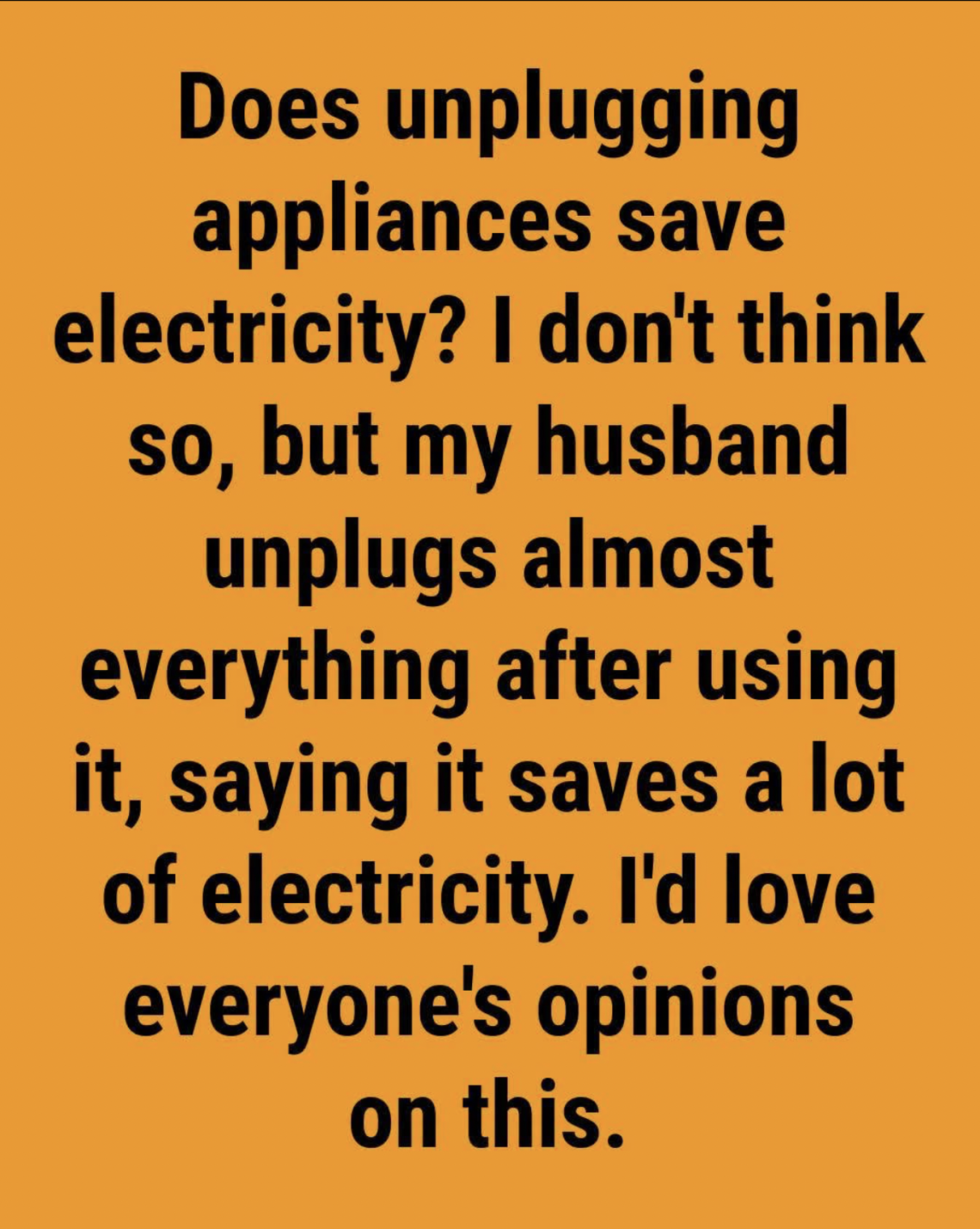
Many people have heard the advice: “Unplug your appliances when you are not using them to save electricity.”
At first, this idea may sound unnecessary. After all, if a device is turned off, shouldn’t it stop using power?
The surprising answer is: not always.
Many modern electronics continue to consume small amounts of electricity even when they appear to be switched off. This hidden energy use is often called standby power, phantom power, or vampire power.
The amount used by a single device may seem tiny, but when you add together all the electronics in a home — televisions, chargers, computers, kitchen appliances, gaming systems, and smart devices — the total can become noticeable over time.
What is “vampire power”?
“Vampire power” is a popular name for electricity that devices continue to draw while they are plugged in but not actively being used.
The device may look completely inactive, but some internal components remain powered.
Examples include:
- A television waiting for a remote-control signal
- A phone charger plugged into the wall
- A microwave displaying the clock
- A computer in sleep mode
- A printer waiting for a command
- A smart speaker listening for activation
- A game console ready for instant startup
These devices need a small amount of electricity to maintain certain functions.
Why do appliances use electricity when turned off?
Many modern appliances are not truly “off” when you press the power button.
Instead, they enter a standby mode.
During standby, they may still power:
Digital clocks
Many kitchen appliances display the time continuously.
Remote-control sensors
Televisions and other devices need energy to detect signals from a remote.
Memory settings
Some appliances remember:
- preferred settings,
- saved programs,
- network connections.
Internet connections
Smart devices often stay connected so they can receive updates or commands.
How much electricity does standby power actually use?
The amount varies greatly depending on the device.
A simple charger may use very little energy, while older electronics or always-connected devices may consume more.
One device alone usually will not make a dramatic difference in your electricity bill. The bigger impact comes from having many devices plugged in all the time.
For example, a home may contain:
- several phone chargers,
- multiple televisions,
- computers,
- kitchen appliances,
- entertainment systems,
- smart home devices.
Together, these small amounts can add up.
Which appliances are the biggest energy “vampires”?
Not every appliance deserves the same attention.
Some common energy users include:
1. Entertainment systems
Entertainment equipment often remains connected constantly.
Examples:
- TVs
- Streaming boxes
- Game consoles
- Sound systems
These devices frequently use standby power so they can start quickly.
2. Computers and accessories
Computers, monitors, printers, and accessories may continue drawing electricity even when not actively used.
A computer left in sleep mode for long periods can still consume power.
3. Chargers
Many people leave chargers plugged in after removing their devices.
A charger that is plugged into the wall without a phone or laptop connected usually uses only a small amount of electricity, but multiple chargers throughout the home can contribute to unnecessary consumption.
4. Smart home devices
Modern homes increasingly contain:
- smart speakers,
- security cameras,
- smart displays,
- connected appliances.
These devices are designed to stay ready and connected.
5. Older appliances
Older electronics may be less efficient than newer models.
Older televisions, computers, and entertainment equipment often use more standby energy than modern energy-saving versions.
Does unplugging everything save a lot of money?
The answer depends on your household.
If you only unplug one small charger, the savings may be extremely small.
However, reducing standby power across many devices can help lower energy waste.
The biggest benefits come from:
- removing unnecessary standby use,
- improving overall energy habits,
- combining multiple energy-saving actions.
Unplugging is one piece of a larger strategy.
Which appliances should you unplug?
You do not need to unplug every device in your home.
That would be inconvenient and unnecessary.
Instead, focus on devices that:
- are rarely used,
- consume standby power,
- are easy to disconnect.
Good candidates include:
Guest room electronics
If a room is rarely used, unplug:
- televisions,
- chargers,
- lamps with electronic controls.
Seasonal appliances
Examples:
- holiday decorations,
- occasional kitchen gadgets,
- rarely used tools.
Entertainment equipment you rarely use
A gaming console or extra television that sits unused for weeks can be disconnected.
Which appliances should usually stay plugged in?
Some appliances are designed to remain connected.
Examples include:
- refrigerators,
- freezers,
- essential medical equipment,
- security systems,
- internet equipment.
Unplugging these can create problems or interrupt important functions.
The easiest solution: use power strips
One of the simplest ways to control standby power is by using a power strip.
Instead of unplugging several devices individually:
- Plug multiple devices into one power strip.
- Turn off the power strip when those devices are not needed.
This is especially useful for:
- television areas,
- computer desks,
- entertainment centers.
A single switch can disconnect several devices at once.
Smart power strips: a modern solution
Smart power strips can automatically reduce standby electricity.
Some models can:
- detect when a main device is turned off,
- cut power to connected devices,
- keep essential devices powered.
For example:
When a television is turned off, a smart strip may also disconnect connected accessories.
Other ways to reduce electricity use at home
Unplugging is helpful, but other habits often have an even bigger impact.
Use energy-efficient lighting
LED bulbs generally use less electricity and last longer than traditional bulbs.
Adjust heating and cooling wisely
Heating and air conditioning often account for a large portion of household energy use.
Small adjustments can create meaningful savings.
Wash efficiently
Helpful habits include:
- washing full loads,
- using appropriate temperatures,
- avoiding unnecessary cycles.
Maintain appliances
Clean filters, proper maintenance, and efficient settings help appliances work better.
Common myths about unplugging appliances
Myth 1: Every plugged-in device wastes a lot of electricity
Not true.
Many modern devices use very little standby power.
The concern comes from the combined effect of many devices.
Myth 2: You must unplug everything every night
This is usually unnecessary.
Focus on devices that are rarely used or easy to disconnect.
Myth 3: Chargers are dangerous because they always consume large amounts
Most modern chargers use very little energy when idle, but unplugging unused chargers can still be a good habit.
Is unplugging worth the effort?
For many households, yes — especially when done strategically.
The goal is not to create an inconvenient lifestyle where every appliance must be disconnected constantly.
Instead, think about smart energy management:
- unplug what you rarely use,
- use power strips,
- avoid leaving unnecessary electronics in standby mode,
- choose efficient appliances when replacing old ones.
A simple energy-saving checklist
Try these easy steps:
Unplug unused chargers
Turn off power strips when not needed
Disconnect seasonal electronics
Avoid leaving computers running unnecessarily
Check older electronics for high standby use
Use energy-saving settings when available

Welcome to my kitchen!
I’m a passionate home cook and recipe creator who loves turning simple ingredients into delicious, comforting meals that everyone can enjoy. Through this website, I share carefully prepared recipes, practical cooking tips, and easy-to-understand food education to help you feel more confident in the kitchen.
My goal is to make cooking simple, enjoyable, and accessible. Whether you are looking for a quick family dinner, a delicious dessert, healthy meal ideas, or traditional recipes with a modern touch, you’ll find inspiration here.
More Than Just Recipes
I believe that cooking is also a way to learn. That’s why this website is not only about recipes. I also create educational articles about ingredients, cooking techniques, kitchen tips, food preparation, and the stories behind different dishes.
Each article is designed to give you useful knowledge that you can apply in your own kitchen. From understanding how ingredients work together to learning better cooking methods, my aim is to help you become a more confident and creative cook.
My Philosophy
Good food doesn’t always require complicated ingredients or professional equipment. With a little knowledge, patience, and creativity, simple ingredients can become something truly special.
I believe in sharing recipes that are practical, clearly explained, and enjoyable to make. I also love exploring new flavors while appreciating traditional cooking and the recipes passed down through generations.
Thank you for visiting my kitchen and being part of this food-loving community. I hope my recipes and articles inspire you to cook, learn, experiment, and most importantly, enjoy every bite!
Happy cooking!