The Hidden Energy Drain That Could Be Costing You More Than You Think
Most people assume that when an appliance is turned off, it stops using electricity.
It feels logical. You press the power button, the screen goes dark, and the device appears inactive. But behind the scenes, many household appliances continue to draw power—even when you’re not using them.
This phenomenon is often called “phantom load” or standby power, and over time, it can quietly increase your electricity bill, reduce the lifespan of devices, and even pose small but real safety risks.
The good news? A simple habit—unplugging certain appliances when they’re not in use—can make a noticeable difference.
Let’s explore what’s really happening, which devices matter most, and how small changes can protect both your home and your wallet.
What Is Phantom Energy (Standby Power)?
Phantom energy refers to electricity consumed by devices that are plugged in but not actively being used.
This includes appliances that:
- Appear “off” but remain in standby mode
- Have LED indicators or digital displays
- Stay connected to Wi-Fi or networks
Even though each device uses only a small amount of power, the total can add up significantly over time.
Why It Matters More Than You Think
Standby power can account for a noticeable portion of household energy use.
Effects include:
- Higher electricity bills
- Unnecessary energy waste
- Increased environmental impact
- Gradual wear on electronic components
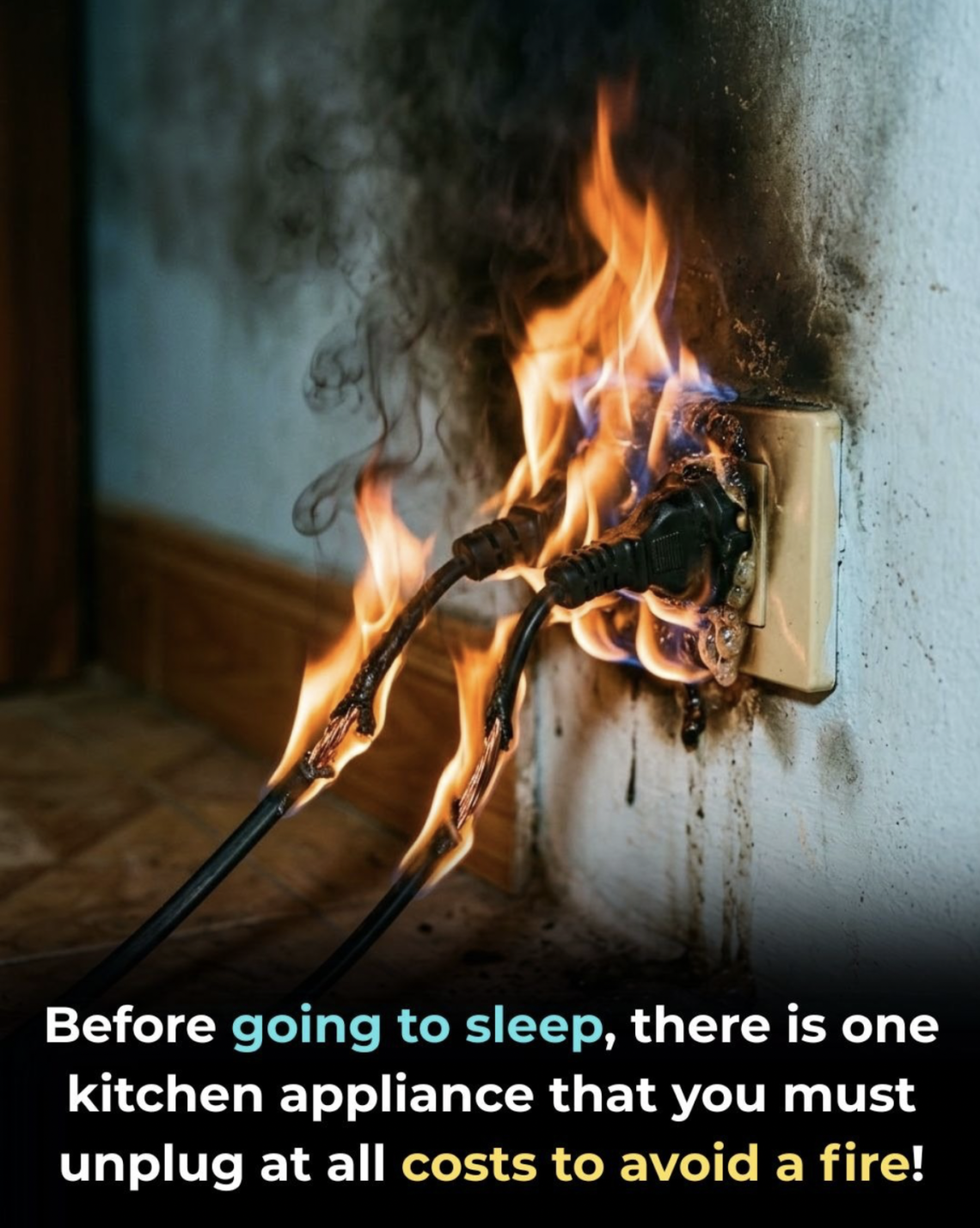
In some cases, it also introduces minor fire risks, especially with older or damaged devices.
1. Phone Chargers and Small Power Adapters
It may seem harmless to leave a charger plugged into the wall, especially when it’s not connected to a device.
But many chargers continue to draw power as long as they are plugged in.
Why unplug them:
- They consume small but continuous electricity
- They can heat up over time
- Cheap or damaged chargers may pose safety risks
Real impact:
Individually, the energy use is small—but multiplied across multiple chargers and over months, it becomes noticeable.
2. Televisions and Entertainment Systems
Modern TVs are rarely fully “off.” Instead, they remain in standby mode so they can:
- Turn on quickly
- Respond to remote controls
- Stay connected to updates
Devices to watch:
- TVs
- Streaming boxes
- Gaming consoles
- Sound systems
Why unplug them:
- They draw continuous standby power
- They are often used only a few hours per day
- Multiple devices compound energy use
3. Kitchen Appliances (Coffee Makers, Microwaves, and More)
Many kitchen appliances include:
- Digital clocks
- Touch panels
- Internal sensors
These features require constant power.
Common examples:
- Coffee makers
- Microwaves
- Toasters with displays
Why unplug them:
- They use energy even when idle
- They may pose a risk if left plugged in long-term
- They contribute to overall phantom load
4. Computers and Office Equipment
Computers, printers, and accessories are among the biggest contributors to standby power.
Even when turned off, they may:
- Maintain network connections
- Power internal circuits
- Stay ready for quick startup
Devices to unplug:
- Desktop computers
- Printers
- Monitors
- External drives
Why unplug them:
- They consume more standby power than smaller devices
- They generate heat over time
- They are often left unused for long periods
5. Space Heaters and High-Power Appliances
High-power devices deserve special attention.
Even when off, they may:
- Retain electrical charge
- Pose safety risks if faulty
- Be accidentally turned on
Examples:
- Space heaters
- Hair dryers
- Irons
Why unplug them:
- Reduces fire risk
- Prevents accidental activation
- Adds an extra layer of safety
The Hidden Cost Over Time
Individually, standby power may seem insignificant.
But across a home:
- Dozens of devices remain plugged in
- Each draws small amounts of energy
- The total adds up over months and years
This can lead to:
- Noticeably higher electricity bills
- Unnecessary energy consumption
Safety Benefits of Unplugging
Beyond saving money, unplugging devices improves safety.
1. Reduces Fire Risk
Electrical faults can occur even when devices are not in use.
2. Protects Against Power Surges
Unplugged devices are less vulnerable to:
- Lightning
- Voltage spikes
3. Extends Device Lifespan
Reducing constant electrical flow can:
- Lower wear on components
- Improve long-term performance
Practical Tips to Make It Easier
Unplugging everything manually can feel inconvenient—but there are simple solutions.
1. Use Power Strips
Turn off multiple devices at once.
2. Smart Plugs
Automate power control based on schedules.
3. Create Daily Habits
Unplug devices:
- Before bed
- Before leaving home
4. Focus on High-Impact Devices
You don’t need to unplug everything—just the most energy-consuming ones.
When You Don’t Need to Unplug
Some devices should remain plugged in for safety or functionality, such as:
- Refrigerators
- Medical equipment
- Security systems
Always use common sense and prioritize essential appliances.
Environmental Impact
Reducing standby power is not just about saving money.
It also:
- Reduces energy demand
- Lowers carbon emissions
- Supports sustainable living
Small actions, when multiplied across millions of households, have a meaningful impact.
The Bigger Picture
Modern homes are filled with devices designed for convenience—but that convenience often comes with hidden costs.
Unplugging unused appliances is a simple habit that:
- Saves money
- Improves safety
- Reduces waste
It doesn’t require expensive upgrades or major lifestyle changes—just awareness and consistency.

Welcome to my kitchen!
I’m a passionate home cook and recipe creator who loves turning simple ingredients into delicious, comforting meals that everyone can enjoy. Through this website, I share carefully prepared recipes, practical cooking tips, and easy-to-understand food education to help you feel more confident in the kitchen.
My goal is to make cooking simple, enjoyable, and accessible. Whether you are looking for a quick family dinner, a delicious dessert, healthy meal ideas, or traditional recipes with a modern touch, you’ll find inspiration here.
More Than Just Recipes
I believe that cooking is also a way to learn. That’s why this website is not only about recipes. I also create educational articles about ingredients, cooking techniques, kitchen tips, food preparation, and the stories behind different dishes.
Each article is designed to give you useful knowledge that you can apply in your own kitchen. From understanding how ingredients work together to learning better cooking methods, my aim is to help you become a more confident and creative cook.
My Philosophy
Good food doesn’t always require complicated ingredients or professional equipment. With a little knowledge, patience, and creativity, simple ingredients can become something truly special.
I believe in sharing recipes that are practical, clearly explained, and enjoyable to make. I also love exploring new flavors while appreciating traditional cooking and the recipes passed down through generations.
Thank you for visiting my kitchen and being part of this food-loving community. I hope my recipes and articles inspire you to cook, learn, experiment, and most importantly, enjoy every bite!
Happy cooking!