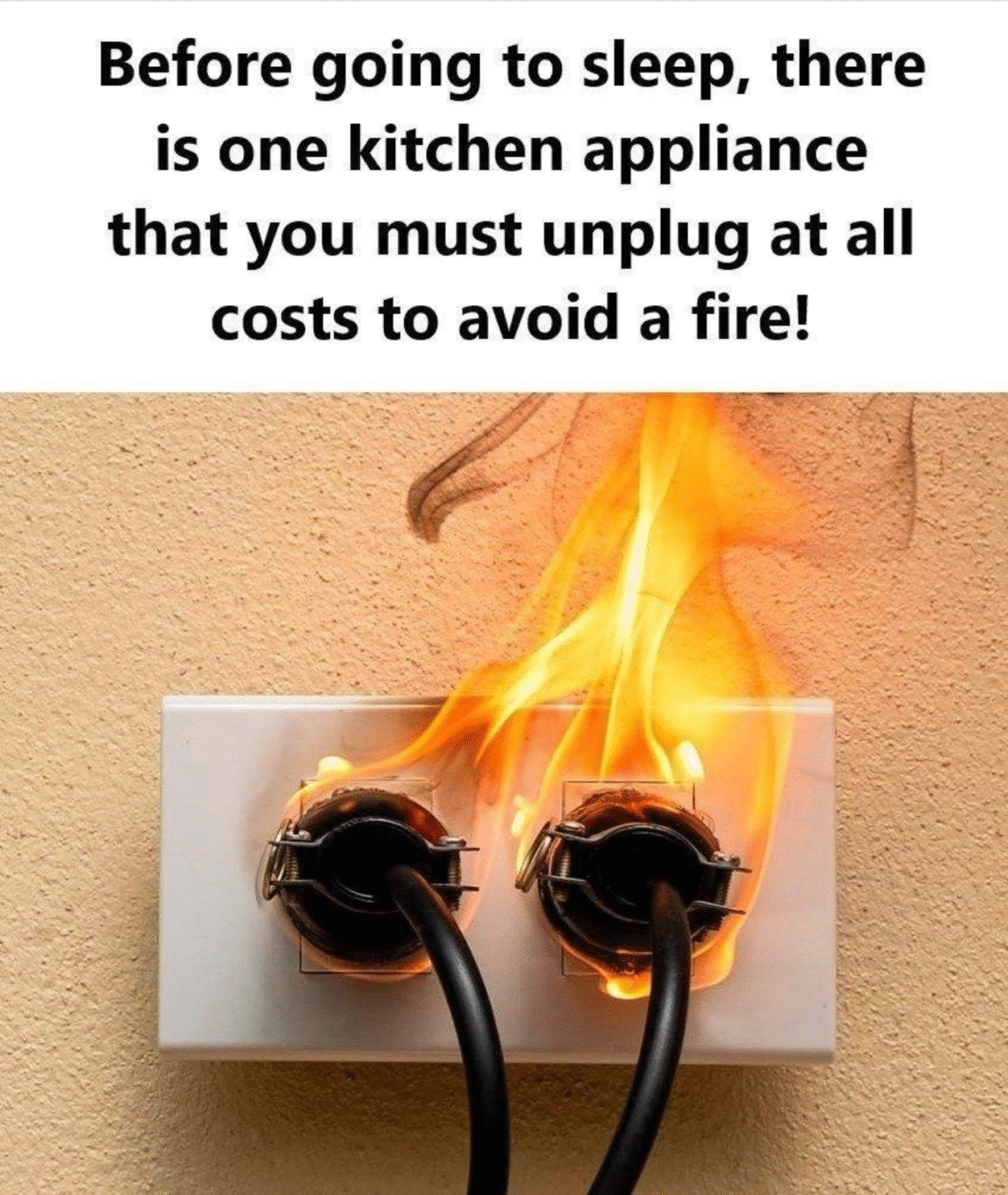
In today’s connected world, our homes are filled with appliances that make life easier, faster, and more entertaining. From the coffee maker that jump-starts your morning to the gaming console that keeps you entertained late at night, these devices have become indispensable. But here’s the hidden truth: even when they’re turned off, many appliances continue to draw electricity—and that small trickle of power can cost you money, waste energy, and even pose safety risks.
Understanding which appliances are guilty of this “phantom power” drain—and why unplugging them matters—can protect both your wallet and your home.
What Is Phantom Power?
Phantom power, sometimes called vampire power, is the energy consumed by appliances even when they appear to be off or in standby mode. Devices with digital displays, remote controls, or constant network connectivity often draw electricity 24/7, quietly adding to your monthly electricity bill.
Experts estimate that phantom power can account for 5%–10% of a typical household’s energy use, which translates to $50–$100 or more per year depending on your local electricity rates. Beyond the financial cost, continuously powered devices can also increase fire risk, especially older appliances with faulty wiring or heat-generating components.
1. Phone Chargers
Most people leave their phone charger plugged in all the time, thinking it only consumes power when charging. The truth:
- A charger plugged in without a phone connected can still draw 0.1–0.5 watts continuously.
- Over a year, a single charger left plugged in can cost $5–$10, and households with multiple chargers can lose $50 or more annually.
Tip: Unplug chargers when not in use, or use a power strip with an on/off switch to cut power easily.
2. Coffee Makers
Coffee makers are convenient, but they’re surprisingly sneaky energy hogs:
- Machines with clocks, timers, or warming plates draw electricity even when not brewing coffee.
- Leaving a coffee maker plugged in with the warming plate on for hours can add 10% to your monthly electricity bill over time.
Tip: Plug your coffee maker into a power strip and turn it off when done brewing. Consider brewing only what you need to avoid leaving the pot on the warmer unnecessarily.
3. Gaming Consoles
Modern gaming consoles are powerful machines with high electricity demands. Even when “off”:
- Consoles in standby mode often download updates, maintain network connectivity, or run background processes, consuming 5–20 watts continuously.
- Leaving a console plugged in overnight can cost $10–$15 per month, and in rare cases, overheating or electrical faults can spark house fires.
Tip: Fully shut down consoles when not in use, or unplug them entirely during extended periods of inactivity.
4. Televisions and Streaming Devices
Smart TVs, set-top boxes, and streaming sticks may seem passive when turned off, but:
- Many devices remain in standby mode to allow remote control or scheduled updates.
- A modern smart TV can use 2–10 watts on standby, and streaming boxes like Roku or Apple TV can use 3–6 watts.
- Over a year, this phantom consumption can add $10–$20 per device to your electric bill.
Tip: Use a smart power strip or unplug TVs and streaming devices when not watching for extended periods.
5. Microwaves and Small Kitchen Appliances
Microwaves, toaster ovens, blenders, and even some slow cookers often have:
- Digital clocks or displays that consume electricity continuously.
- Old or faulty units that can overheat if left plugged in, posing a minor fire risk.
Tip: Unplug small kitchen appliances when not in use. For devices that are difficult to unplug frequently, consider using a surge-protected power strip to cut power quickly.
Bonus Benefits of Unplugging Appliances
- Save Money: Cutting phantom power can reduce your electricity bill by 5–10%, saving tens to hundreds of dollars per year depending on household size.
- Increase Safety: Unplugging reduces the risk of electrical fires, especially with older devices, faulty wiring, or heat-producing electronics.
- Extend Appliance Lifespan: Constant power can wear out electronics faster; unplugging helps protect circuits and components.
- Reduce Carbon Footprint: Less electricity use translates to lower greenhouse gas emissions, helping the environment.
Practical Tips to Reduce Phantom Power
- Use power strips: Plug multiple devices into one strip and switch it off when not in use.
- Unplug chargers and small electronics: Especially overnight or when leaving the house.
- Check for standby mode usage: Some devices indicate standby power through LED lights; unplug or turn off to save energy.
- Invest in smart plugs: These can automatically cut power on a schedule or via smartphone apps.
The Bottom Line
Even when you’re not actively using them, many common appliances—from phone chargers to gaming consoles—waste energy, add unnecessary costs, and can pose safety risks. By unplugging these devices when they’re not in use, you can protect your wallet, your home, and the environment—all without sacrificing convenience.
Sometimes, the simplest habits—like hitting the power strip switch or unplugging a charger—can make the biggest difference in both savings and safety.